Creating Beautiful Neumorphic Buttons in React Native
Creating Beautiful Neumorphic Buttons in React Native
Published: December 2024
Neumorphism has taken the design world by storm, offering a soft, tactile aesthetic that makes digital interfaces feel more physical and engaging. In this guide, we'll explore how to create stunning neumorphic buttons in React Native.
What is Neumorphism?
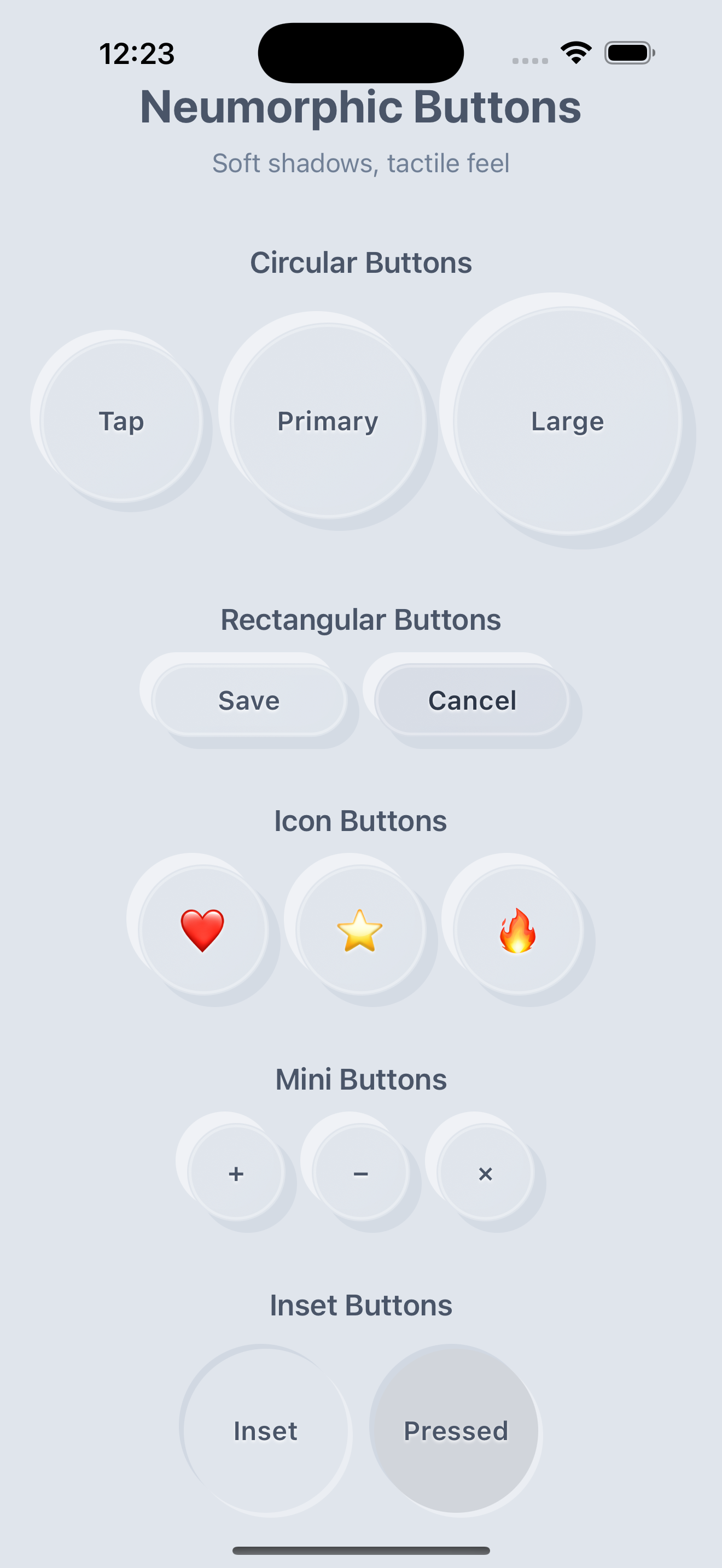
Neumorphism (also known as "soft UI") is a design trend that combines elements of skeuomorphism and flat design. It creates the illusion of elements being extruded from or pressed into the background surface through the clever use of shadows and highlights.
Key Characteristics:
- Soft shadows: Both light and dark shadows create depth
- Minimal contrast: Elements blend subtly with their background
- Tactile appearance: Buttons appear to be physical objects
- Monochromatic color schemes: Usually uses variations of a single color
The Magic Behind Neumorphic Buttons
The neumorphic effect is achieved through a sophisticated shadow system that creates the illusion of depth. By layering light and dark shadows, we can make buttons appear to be either extruding from or pressed into the surface.
Shadow System
The core of neumorphism lies in the shadow system:
// Dark shadow layers create depth
<View style={[
    styles.shadowDark,
    {
        backgroundColor: darkColor,
        opacity: pressed ? 0.08 : 0.20,
        transform: [
            { translateX: pressed ? distance * 0.4 : distance * 0.7 },
            { translateY: pressed ? distance * 0.4 : distance * 0.7 }
        ],
    }
]} />

// Light shadow layers add realism
<View style={[
    styles.shadowLight,
    {
        backgroundColor: lightColor,
        opacity: pressed ? 0.25 : 0.50,
        transform: [
            { translateX: pressed ? -distance * 0.4 : -distance * 0.7 },
            { translateY: pressed ? -distance * 0.4 : -distance * 0.7 }
        ],
    }
]} />
Press Animations
The tactile feel comes from smooth press animations:
const [pressed, setPressed] = useState(false);

// Dynamic transformations create the pressed effect
transform: [
    { scale: pressed ? 0.96 : 1 },
    { translateY: pressed ? distance * 0.2 : 0 }
]
Button Variants
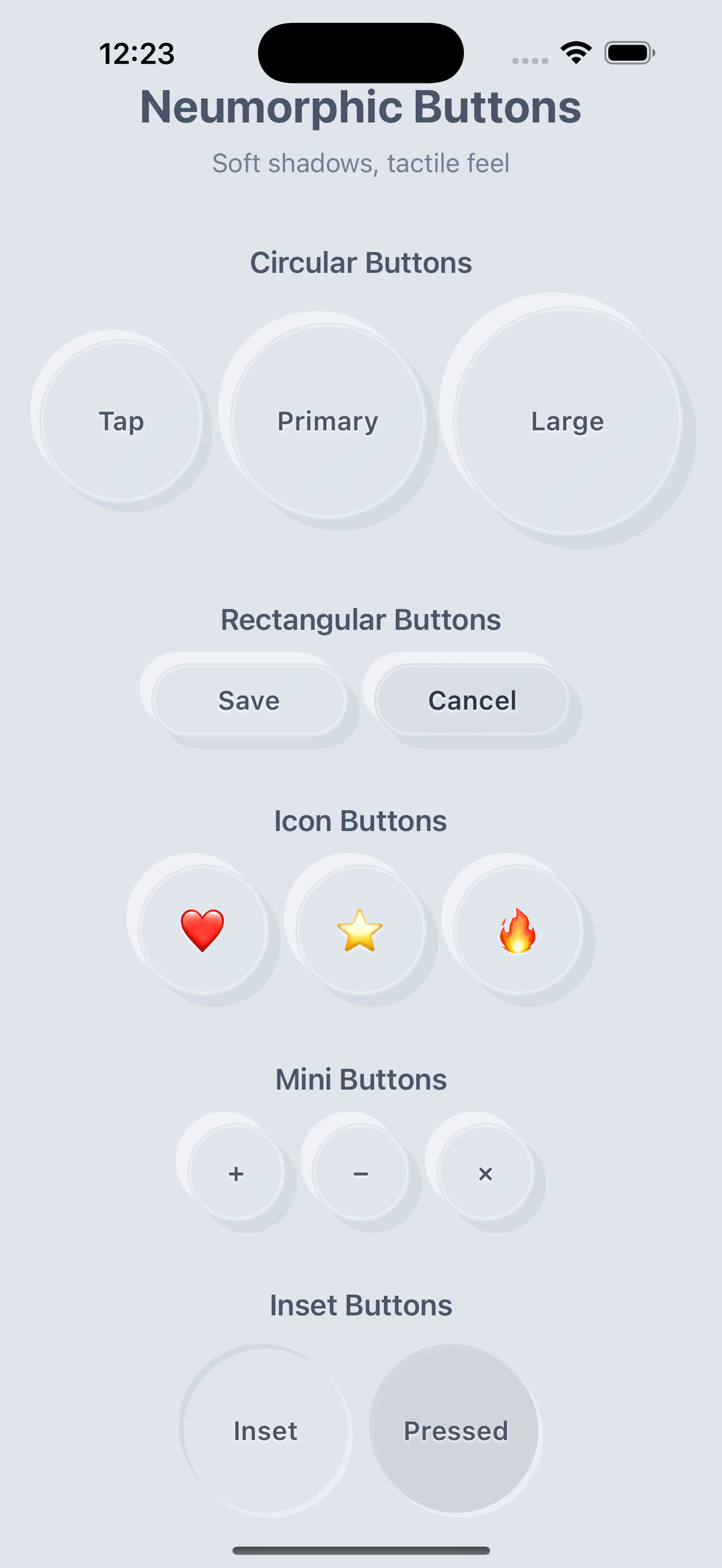
Circular Buttons
Perfect for primary actions and standalone buttons. The circular shape naturally fits the neumorphic aesthetic.
Rectangular Buttons
Ideal for form buttons and navigation elements. These work great in layouts where you need consistent button sizing.
Icon Buttons
Great for toolbar buttons and quick actions. Use emojis or custom icons to create intuitive interfaces.
Mini Buttons
Perfect for compact interfaces and secondary actions. These are ideal for mobile apps where space is premium.
Inset Buttons
Creates a pressed-into-surface effect for different visual hierarchy. These are great for showing selected states.
Color Customization
The beauty of neumorphism lies in its subtle color variations. The component supports extensive color customization:
<NeumorphicButton
    label="Custom Colors"
    backgroundColor="#D8DDE6"    // Base surface color
    lightColor="#FFFFFF"         // Light shadow color
    darkColor="#A3B1C6"         // Dark shadow color
    textColor="#2D3748"         // Text color
    onPress={() => {}}
/>
Best Practices
Design Guidelines
- Consistent Color Schemes: Use monochromatic color palettes for authentic neumorphic appearance
- Appropriate Shadow Distance: Keep shadow distances proportional to button size
- Accessibility: Ensure sufficient contrast for text and icons
- Touch Targets: Maintain minimum 44pt touch targets for accessibility
Performance Tips
- Use memoized calculations to prevent unnecessary re-renders
- Manage press state locally to minimize prop drilling
- Optimize shadow properties for smooth animations
Real-World Applications
Neumorphic buttons work beautifully in:
- Mobile Apps: Create tactile interfaces that feel natural to touch
- Dashboard UIs: Add depth and hierarchy to data visualization
- Form Interfaces: Make form interactions more engaging
- Gaming Apps: Enhance the tactile feel of game controls
Conclusion
Neumorphic buttons offer a unique way to create engaging, tactile user interfaces in React Native. By combining sophisticated shadow systems with smooth animations, we can create components that not only look beautiful but also feel great to interact with.
The key to successful neumorphism is understanding the balance between subtlety and functionality. When done right, these buttons can significantly enhance the user experience while maintaining excellent performance.
Resources
- Neumorphism.io - Design inspiration and color schemes
- React Native Documentation - Official React Native guides
This guide provides a foundation for implementing neumorphic buttons in React Native. Feel free to adapt and extend the concepts for your specific needs.
Happy coding! 🚀
Need help building your mobile app?
Let's talk about how we can help you design, build, and scale a high-performance React Native app tailored to your users.
Talk to an Expert